---
title: "How do I cancel a scheduled appointment?"
description: "Cancel a scheduled appointment in Almendra from Home with the trash icon or from the Schedule with the Delete button, then confirm with Yes, delete."
sidebar:
order: 4
lastModified: 2022-01-07
translationKey: consultas/como-cancelo-una-consulta-agendada
---
Remember to let your patient know when you cancel an appointment, so there's no confusion or misunderstanding between you.
You have several options to cancel an appointment:
**1. From Home:**
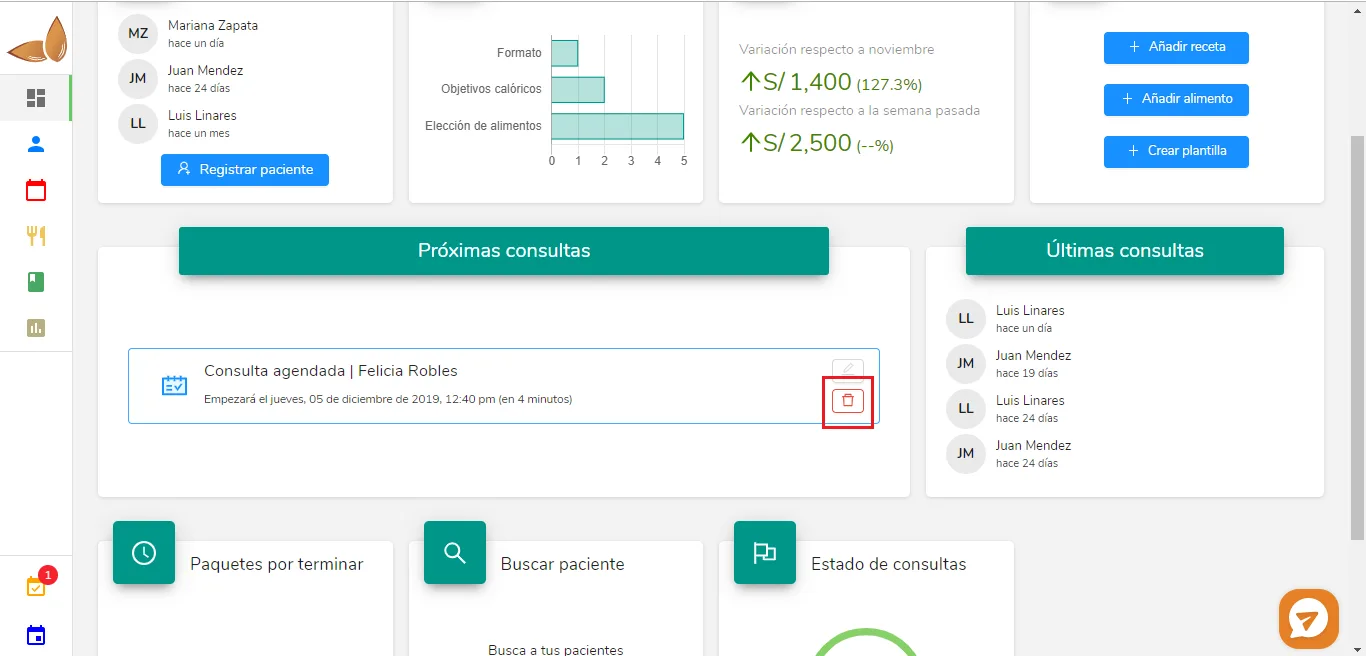
Hover over the rectangle that says "Scheduled appointment | Felicia Robles", and then hover over the trash can at the bottom right. Click on it and a confirmation window will open. Click on "Yes, delete".
 **2. From Schedule:**
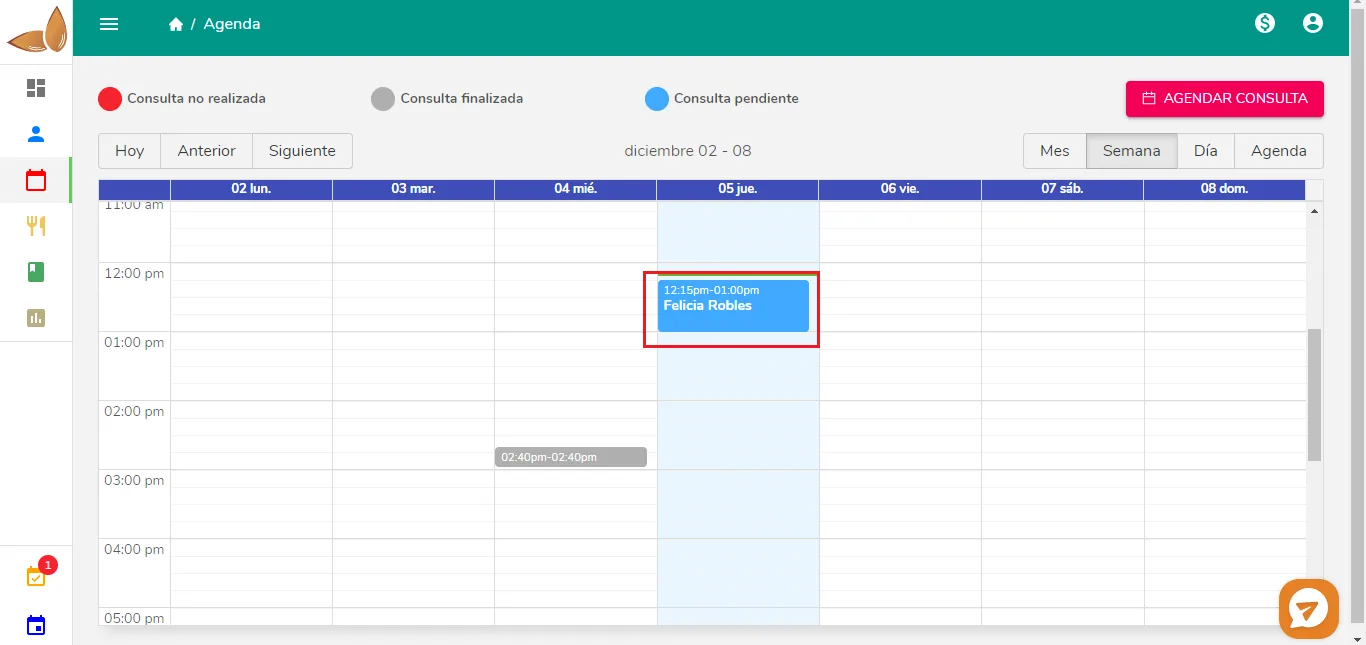 Click on the appointment you want to cancel. The following pop-up window will open:
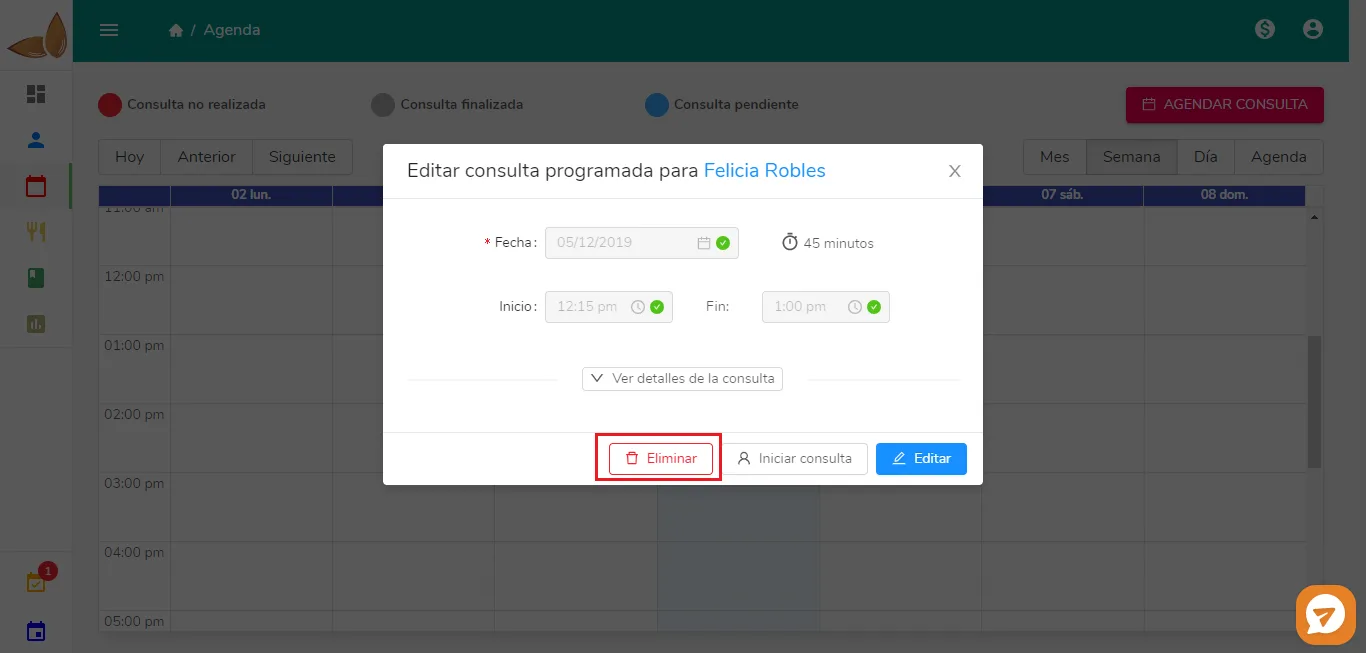 Click on "Delete". A confirmation window will open, where you need to click on "Yes, delete".