---
title: "How do I set up the card commission percentage?"
description: "Set the average card commission (POS) in Almendra's General Settings so your finances reflect the net amount you actually earn per appointment."
sidebar:
order: 15
lastModified: 2022-01-07
translationKey: consultas/como-configuro-el-porcentaje-de-comision-de-las-tarjetas
---
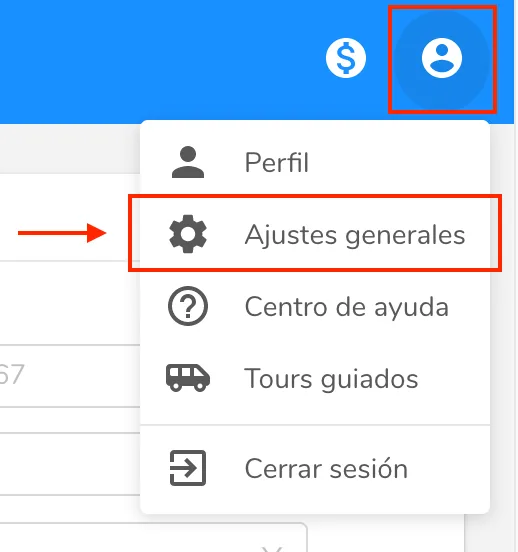
To set up the commission percentage that card payments charge you, just go to "**General Settings**" (_/configuración/generales_):
 Then scroll down and, in the "**Finance**" section, you'll find the "**Average card commission (POS)**" field:
 Enter the commission percentage in that field and it will be automatically applied to every appointment you hold, whenever it is paid by card and you select the "Card" option.
**What is it for?**
With the average card commission we can calculate your finances more accurately, taking into account the net money you keep after an appointment.