---
title: "How do I add indication templates to a meal plan?"
description: "Add indication templates to a meal plan in Almendra: in the last step, click + Templates and insert a system template or one you created."
sidebar:
order: 21
lastModified: 2022-01-06
translationKey: planes-alimenticios/como-coloco-plantillas-de-indicaciones-en-un-plan-alimenticio
---
In the last step of the meal plan, click "+ Templates":
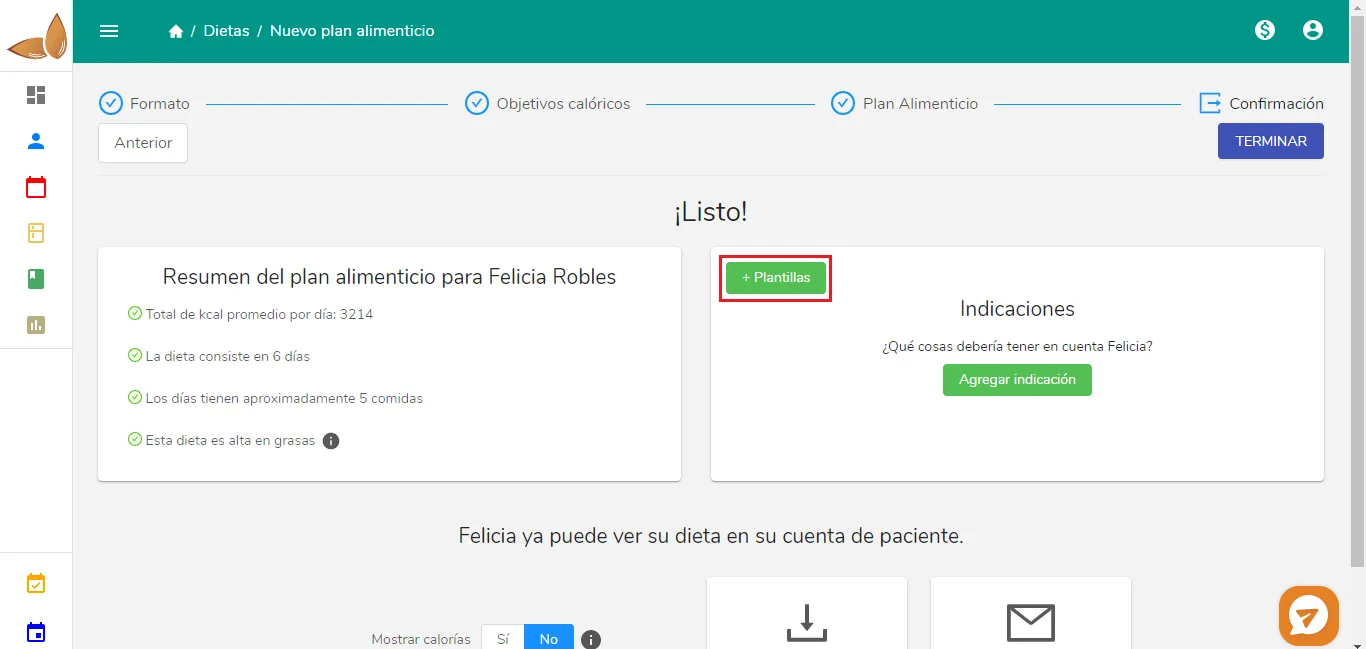 The following window will open:
You'll see the system templates and the ones you created.
- To see the details of a template, click its name and it will expand.
- To add the template to the meal plan, click "Insert".