---
title: "Why does the option to visualize the patient's information appear?"
description: "When you send app access to a patient who already has an Almendra account, Visualize imports their profile and measurement history once they confirm."
sidebar:
order: 5
lastModified: 2022-01-07
translationKey: app-del-paciente/por-que-aparece-la-opcion-de-visualizar-la-informacion-del-paciente
---
When you send the App access email to a patient who previously had an Almendra account, you will see the following notice:
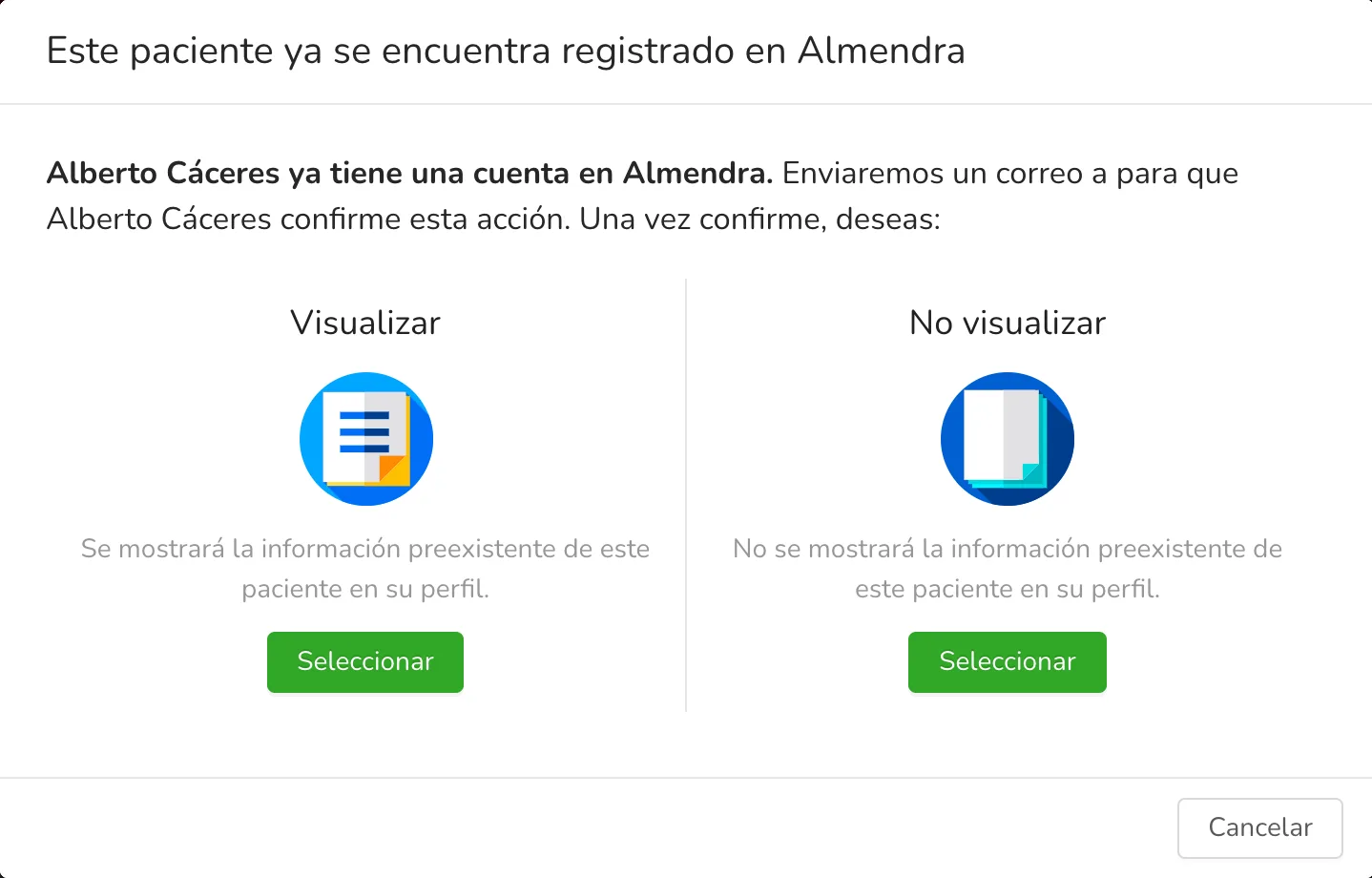 Specifically, this notice appears if:
- **You registered a patient** with an email and sent them the App access email, but a patient with that same email is already registered in Almendra.
- In the patient's profile, **you added a new email** for the patient and sent them the App access email, but a patient with that same email is already registered in Almendra.
**What does the "Visualize" option mean?**
The "Visualize" option means you want all the pre-existing information the patient has in their Almendra account (measurements history and profile) to be automatically added to this patient's profile in your dashboard.
**What does the "Don't visualize" option mean?**
The "Don't visualize" option means you don't want the patient's pre-existing information to be automatically added to this patient's profile in your dashboard.
**Why does it say "_an email will be sent to the patient to confirm the action_"?**
Whether you chose "Visualize" or "Don't visualize" for the pre-existing information, the patient must confirm that you are offering them your professional services. To do this, the patient is sent an email and a notification asking them to confirm the action.
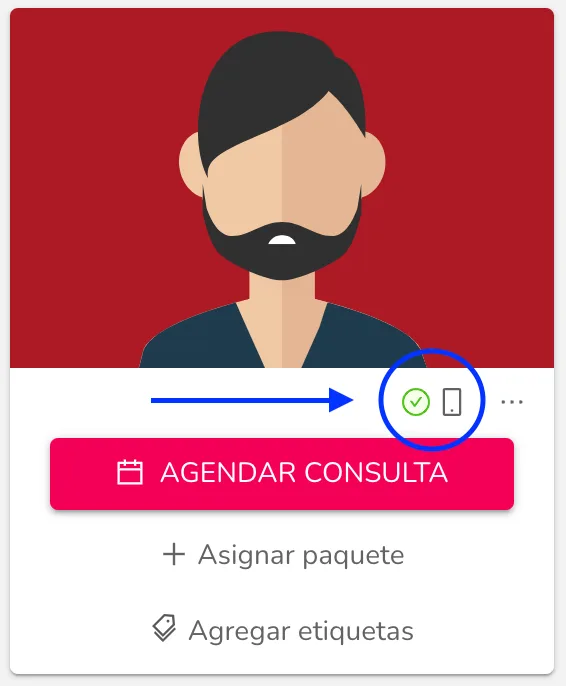
Once the patient confirms the action, you will see the "The patient has already entered the app" indicator with a green "check" icon in their patient profile, below their photo.