
Where do I see my personal page?
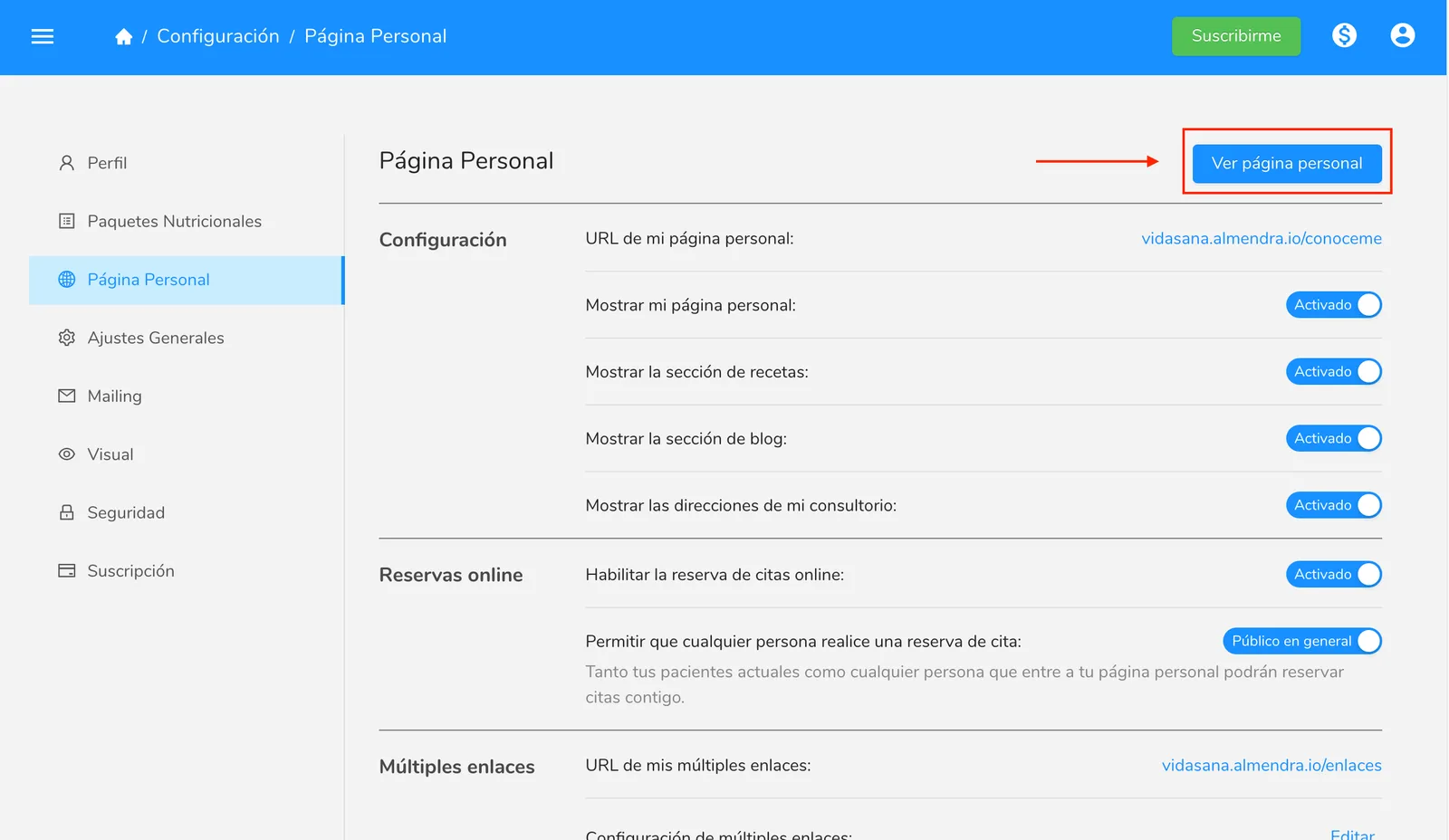
Open your personal page with View Personal Page in Settings > Personal Page and see it as the public does, without the edit buttons only you can see.
Updated August 11, 2024
In the “Personal Page” section of the settings menu, click the “View Personal Page” button to go to your personal page.
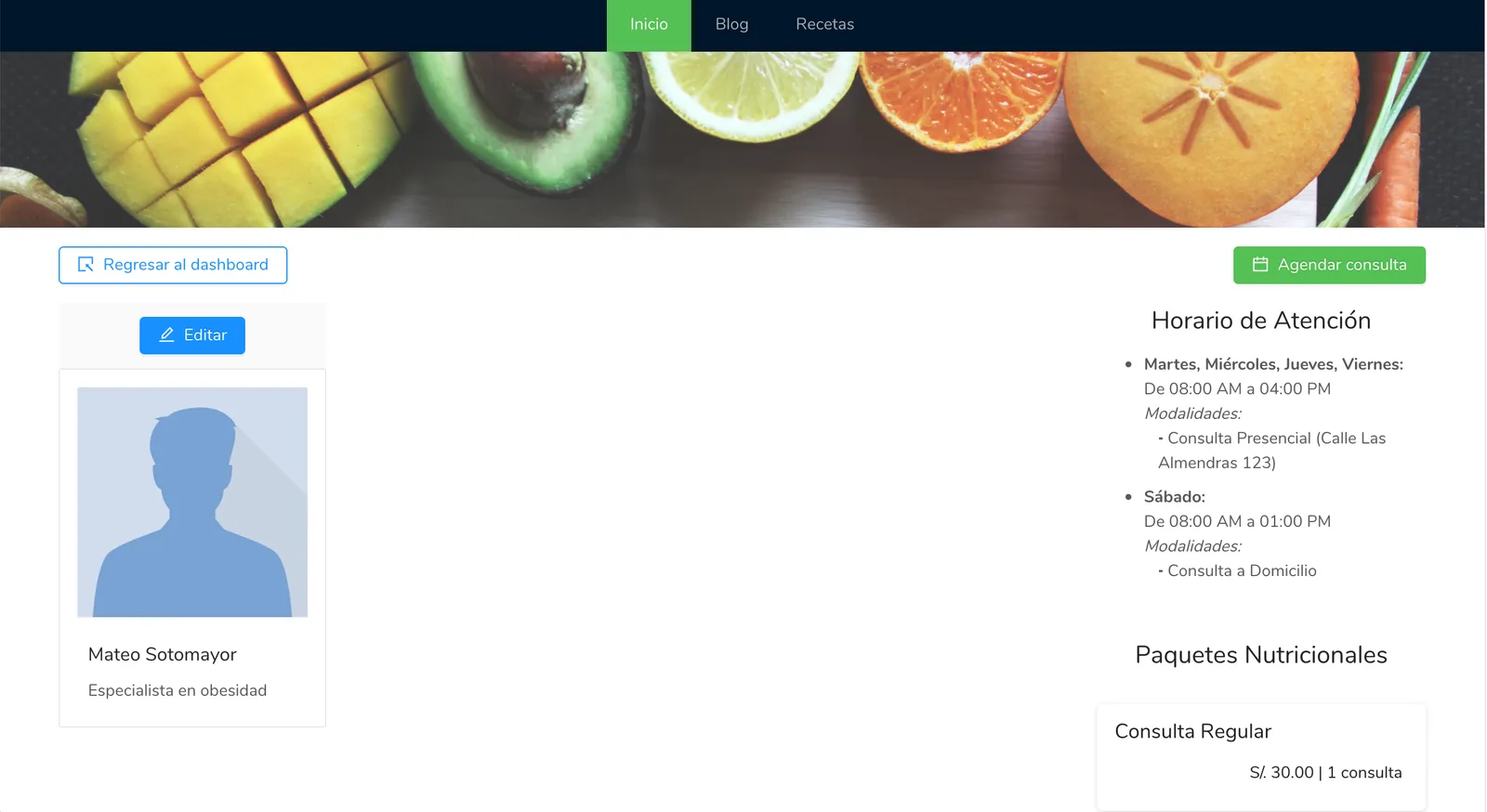
Here you can view the page exactly as the general public would see it, except without the “Edit” and “Back to Dashboard” buttons, as those are only visible to you.
Can’t find what you’re looking for?
Our team replies within 1 business day, Monday to Friday 9:30 AM – 6:00 PM (GMT-5).