
Where will my social media appear if I add them?
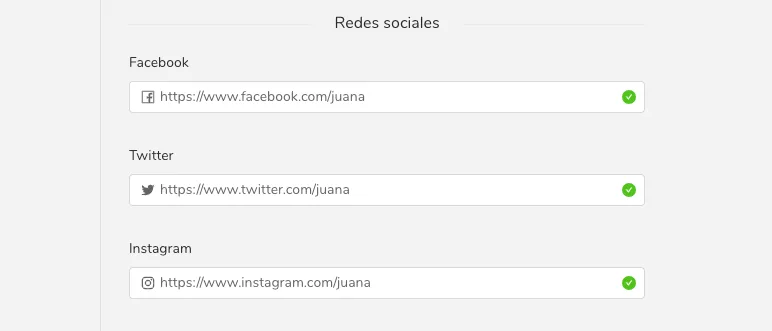
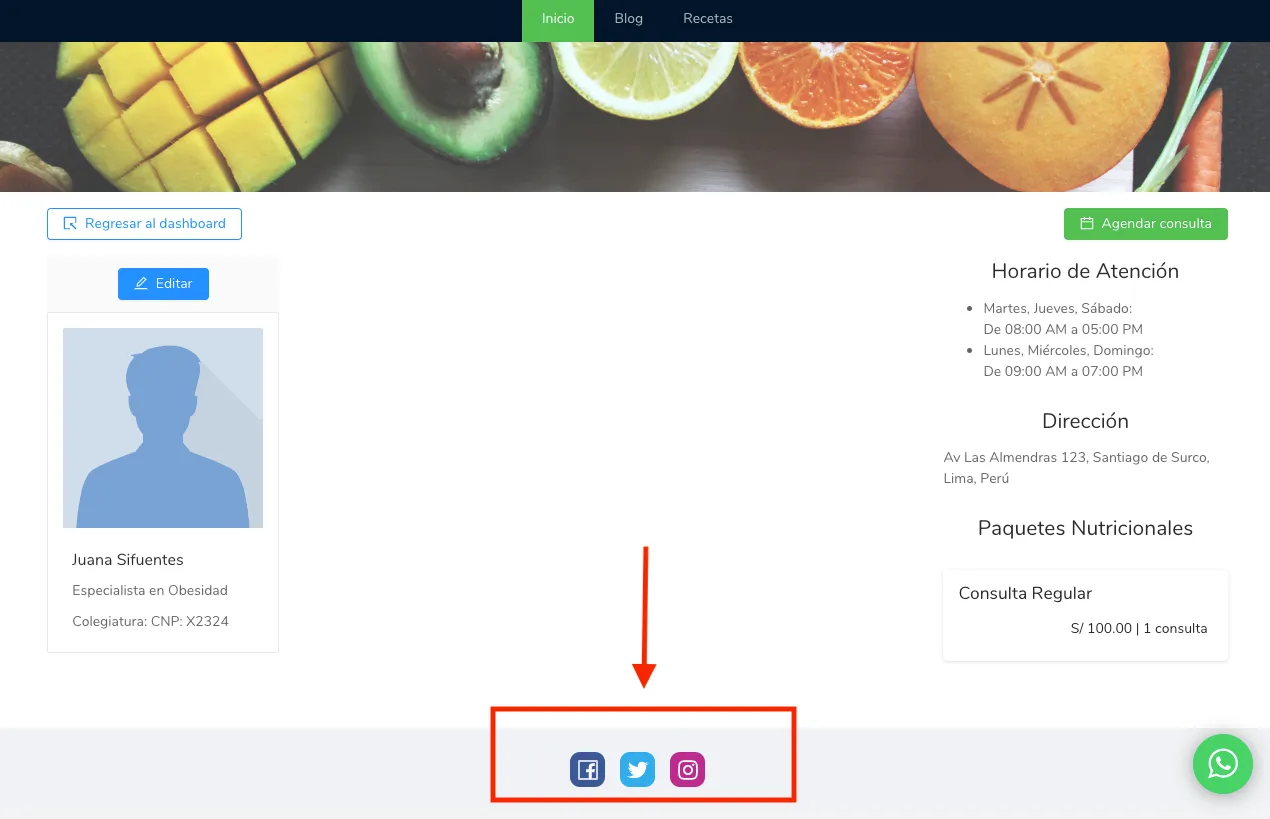
Add your social media links in Settings > Personal Page in Almendra and they will appear in the footer of your personal page for patients to follow.
Updated August 14, 2024
You can add your social media accounts within the settings menu, under the “Personal Page” section, as shown in the image below.
These social networks will be displayed at the bottom of your personal page, as we can see in the image below.
Can’t find what you’re looking for?
Our team replies within 1 business day, Monday to Friday 9:30 AM – 6:00 PM (GMT-5).