Mercado Pago integration
Collect with Mercado Pago from the moment clients book.
Connect your existing Mercado Pago account to Almendra and add a familiar local checkout to online booking. Successful payments are recorded with the client and appointment automatically.
Mercado Pago · Credit card · Debit card · Local currency · Secure checkout
Local payment processing connected to your calendar, services, and client records.
Connect your existing account
Authorize Almendra through Mercado Pago and keep using the account and local currency you already manage.
Checkout inside booking
Clients enter their payment details while reserving, without sending screenshots or leaving the appointment flow.
Payment linked to the session
The payment amount, method, client, service, and appointment stay together in Almendra.
Before and after
Stop reconciling Mercado Pago receipts by hand.
Local payment processing connected to your calendar, services, and client records.
Quick connection
Authorize Mercado Pago from Integrations
Open Settings → Integrations, choose Mercado Pago, verify your currency, and approve the secure connection.
- OAuth authorization
- Existing Mercado Pago account
- Disconnect whenever needed
Client payment
A familiar checkout during booking
When payment is requested, the client enters a supported card and confirms payment before the appointment is completed.
- Credit and debit cards
- Local currency
- Immediate payment result
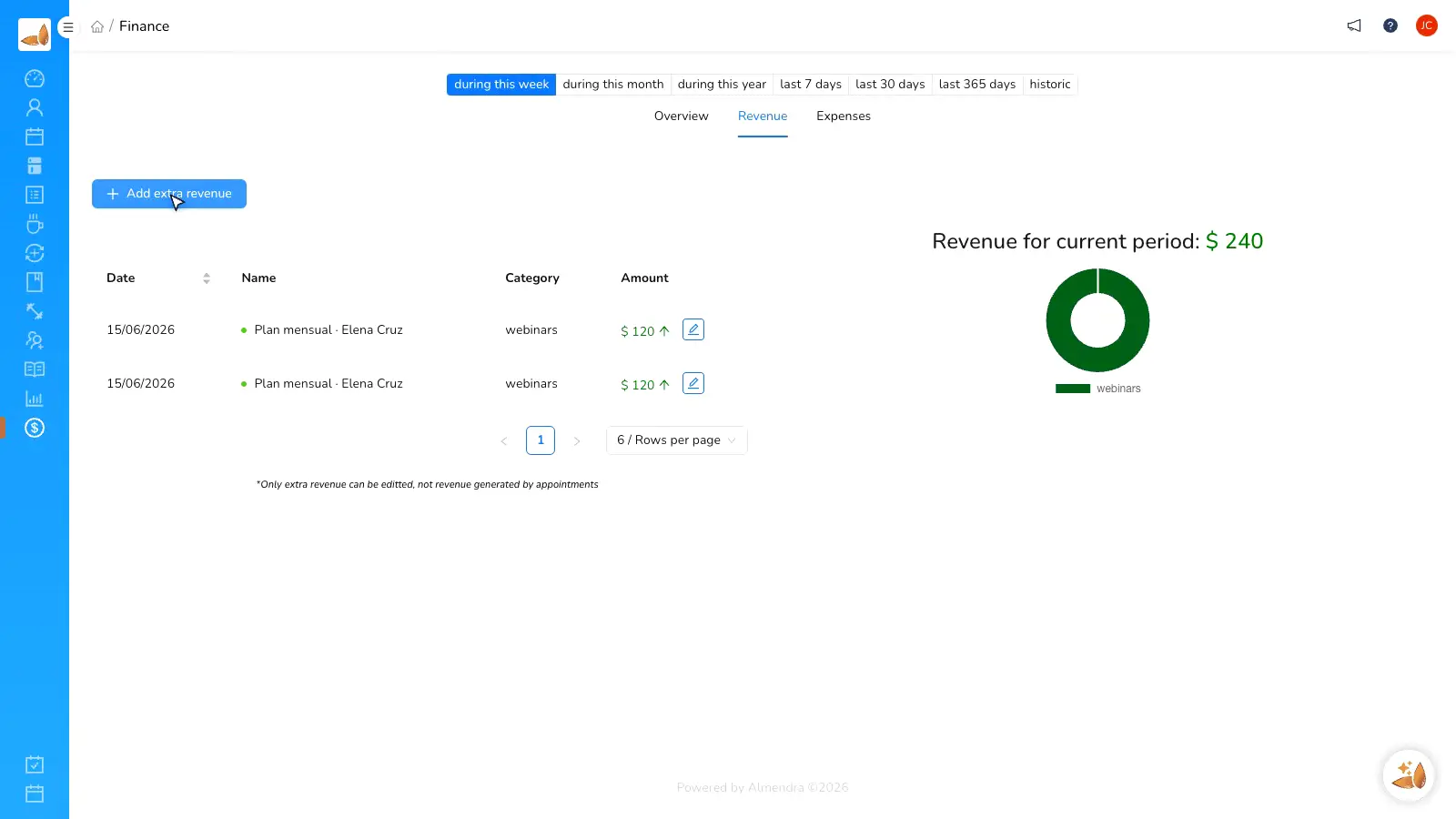
Practice records
See which appointment was paid
Every approved Mercado Pago transaction creates a structured payment record associated with the client and service.
- Payment history
- Net amount recorded
- Appointment association
Before and after
Stop reconciling Mercado Pago receipts by hand.
“My clients already know Mercado Pago. Now they can pay while booking and I no longer match receipts one by one.”
Almendra professional
Private practice
FAQ
Mercado Pago integration questions
Do I need an existing Mercado Pago account?
Which currency is used?
Does Almendra add a transaction fee?
Can I also connect Stripe or PayPal?
What happens if my authorization expires?
Connect Mercado Pago to your online booking
Create your Almendra account and collect local card payments with every booked session.