PayPal integration
Make international session payments easier with PayPal.
Link the email on your PayPal account and let clients approve payment from online booking. Almendra records the capture with the client, service, and appointment.
PayPal · International clients · USD checkout · Buyer approval · Payment history
PayPal checkout connected to the same calendar and client records you use every day.
Useful for international clients
Offer a familiar PayPal checkout when bank transfers across countries are slow or difficult to reconcile.
Approve payment while booking
Clients complete PayPal approval in the appointment flow before Almendra confirms the paid booking.
Capture and payout status recorded
Almendra keeps the PayPal order, capture, payout result, client, and service connected.
Before and after
Turn PayPal messages into a connected booking flow.
PayPal checkout connected to the same calendar and client records you use every day.
Account connection
Link the email on your PayPal account
Open Settings → Integrations, choose PayPal, confirm the receiving email, and review the currency information.
- Existing PayPal account
- Verified receiving email
- Disconnect whenever needed
PayPal checkout
Clients approve payment during booking
The PayPal button creates an order, asks the client to approve it, and returns to Almendra to capture the payment.
- PayPal buyer approval
- USD checkout
- Immediate capture result
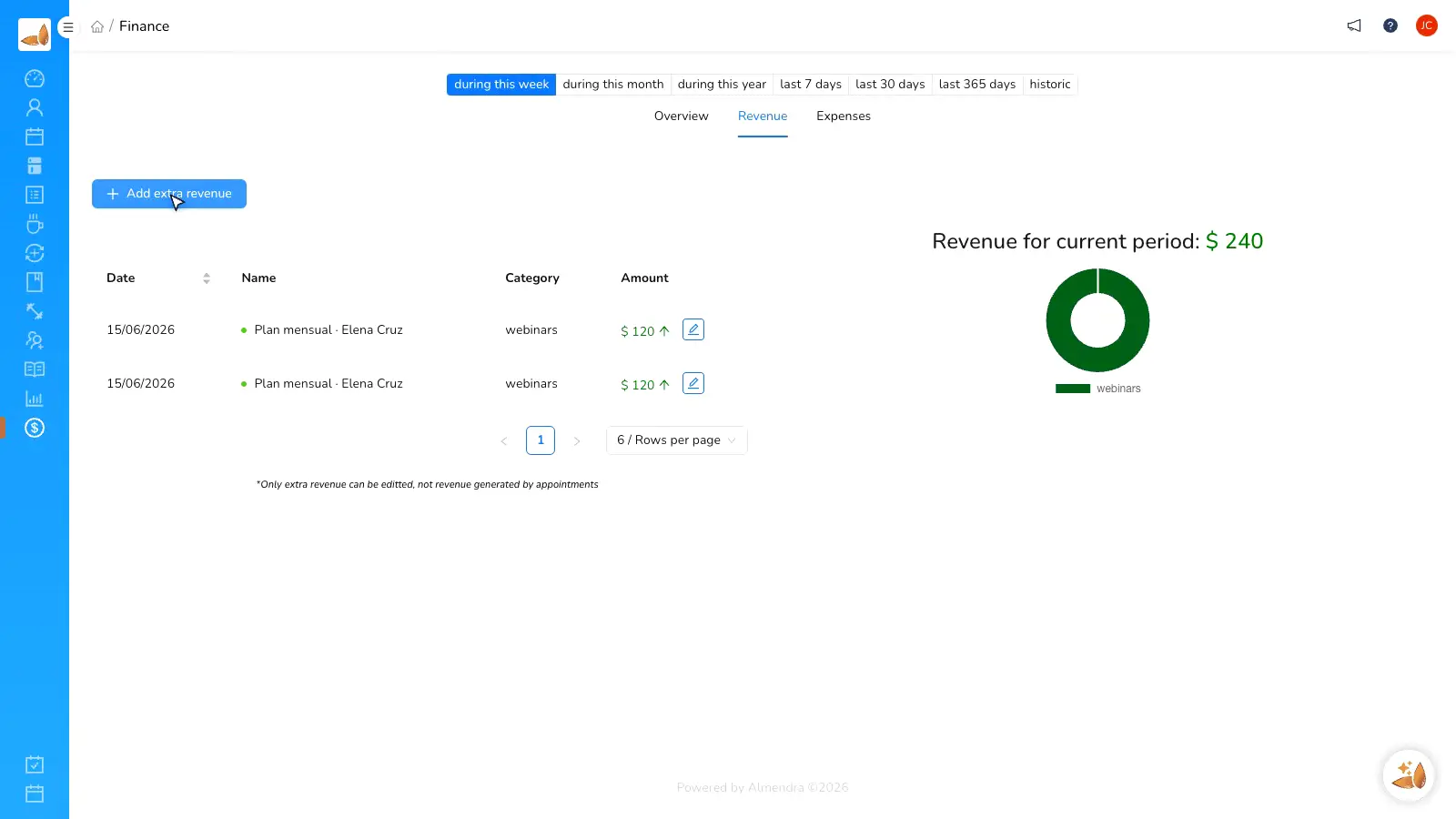
Connected records
Keep each payment next to its appointment
Successful captures create a payment record and stay associated with the client, package, and scheduled session.
- Order and capture IDs
- Payout status
- Appointment association
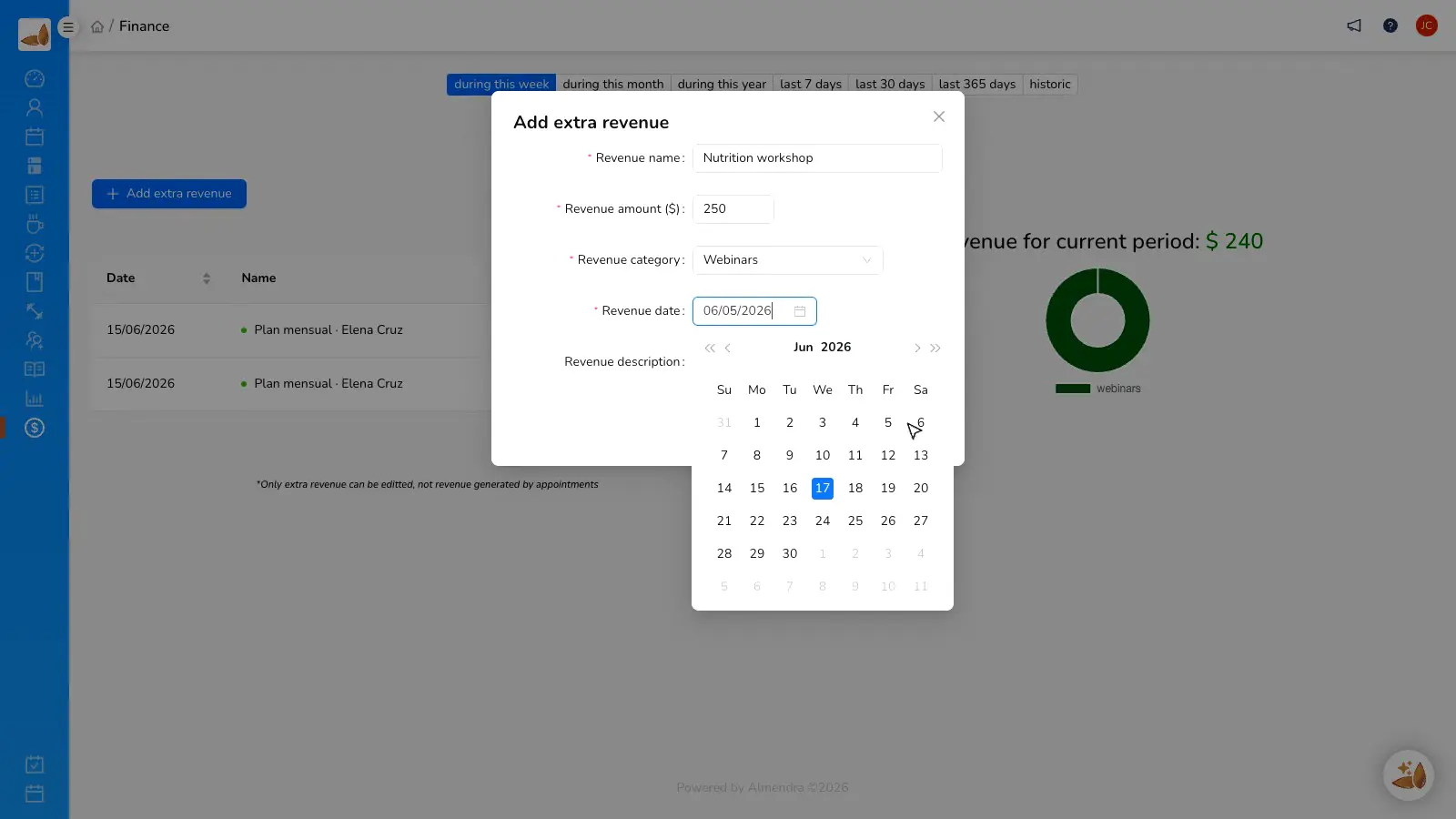
Before and after
Turn PayPal messages into a connected booking flow.
“International clients can pay with PayPal while booking, and every capture already has the right appointment attached.”
Almendra professional
Online private practice
FAQ
PayPal integration questions
Do I need a PayPal account?
Which currency does checkout use?
Does Almendra add a PayPal fee?
Can I connect another payment provider too?
How is the payment recorded?
Connect PayPal to your online booking
Create your Almendra account and give international clients a familiar way to pay for sessions.