Recipe library for nutrition pros
A recipe library that grows itself — and shares with your patients.
Save each recipe once. Almendra calculates the macros, drops them into plans, and your patients see them with photos, steps, and grouped shopping lists. Your brand shines.
Recipes, macros, and shopping lists in the same flow.
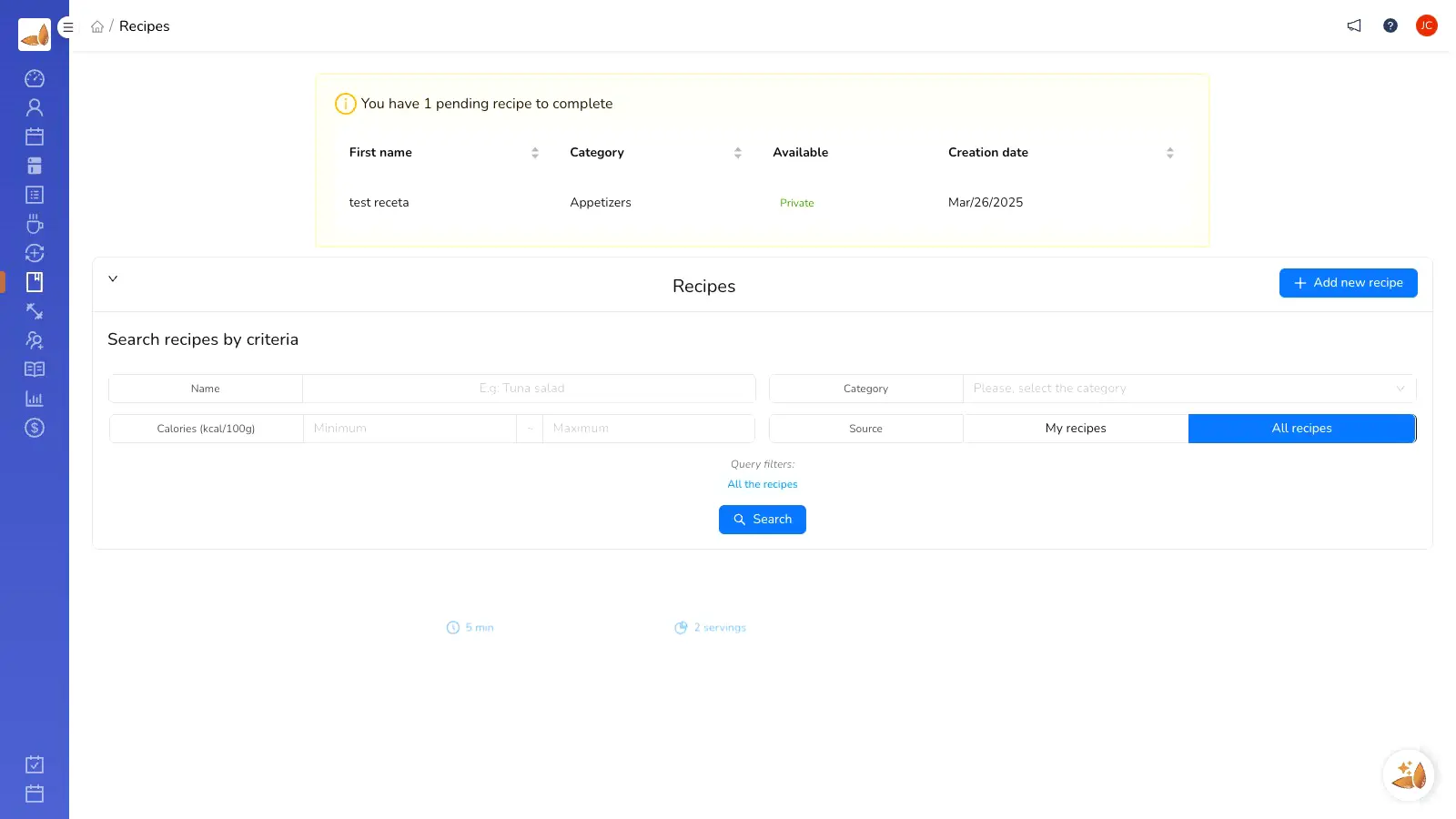
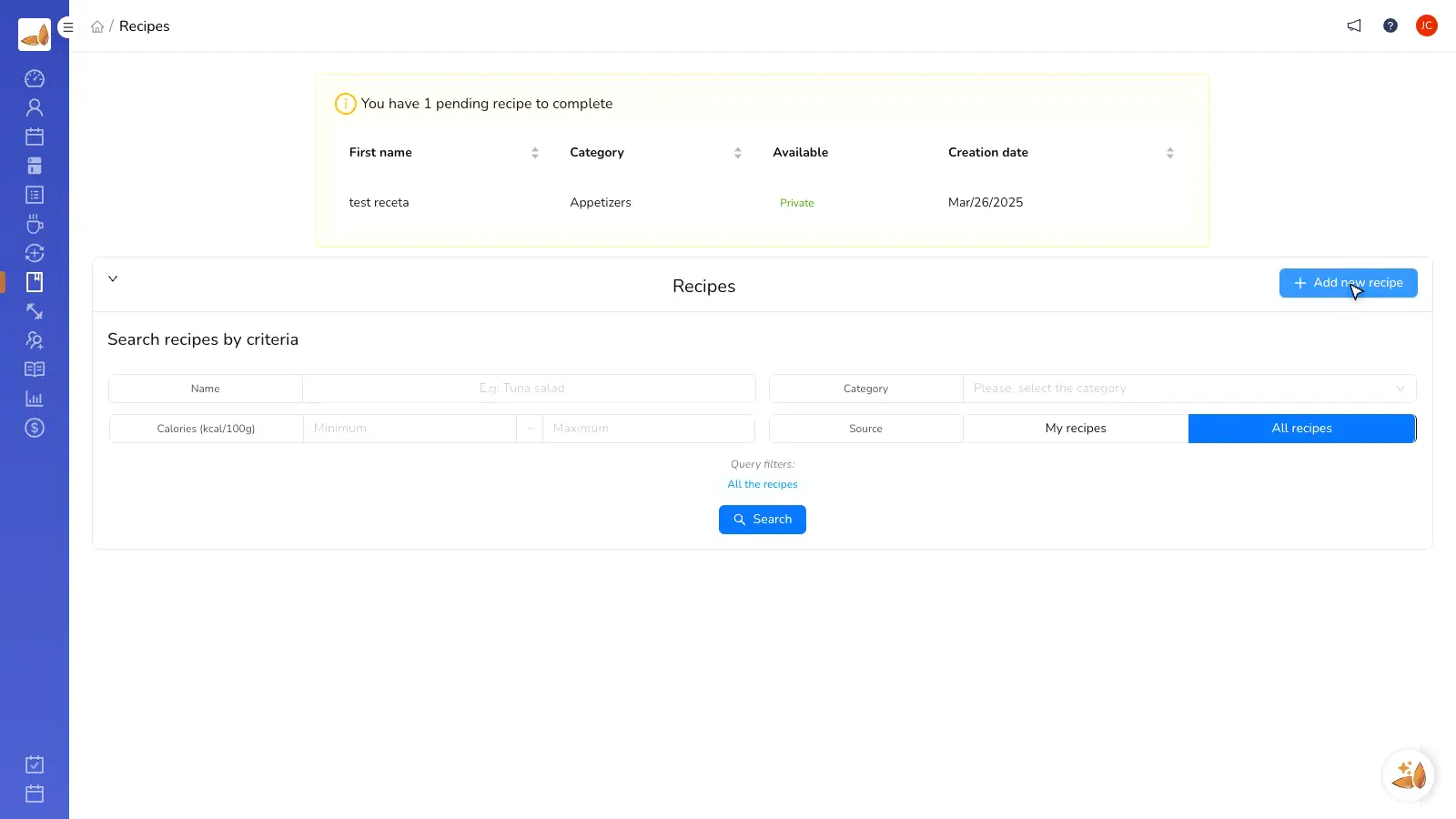
Organize recipes so you can reuse them in plans and share them with clients without copy-paste.
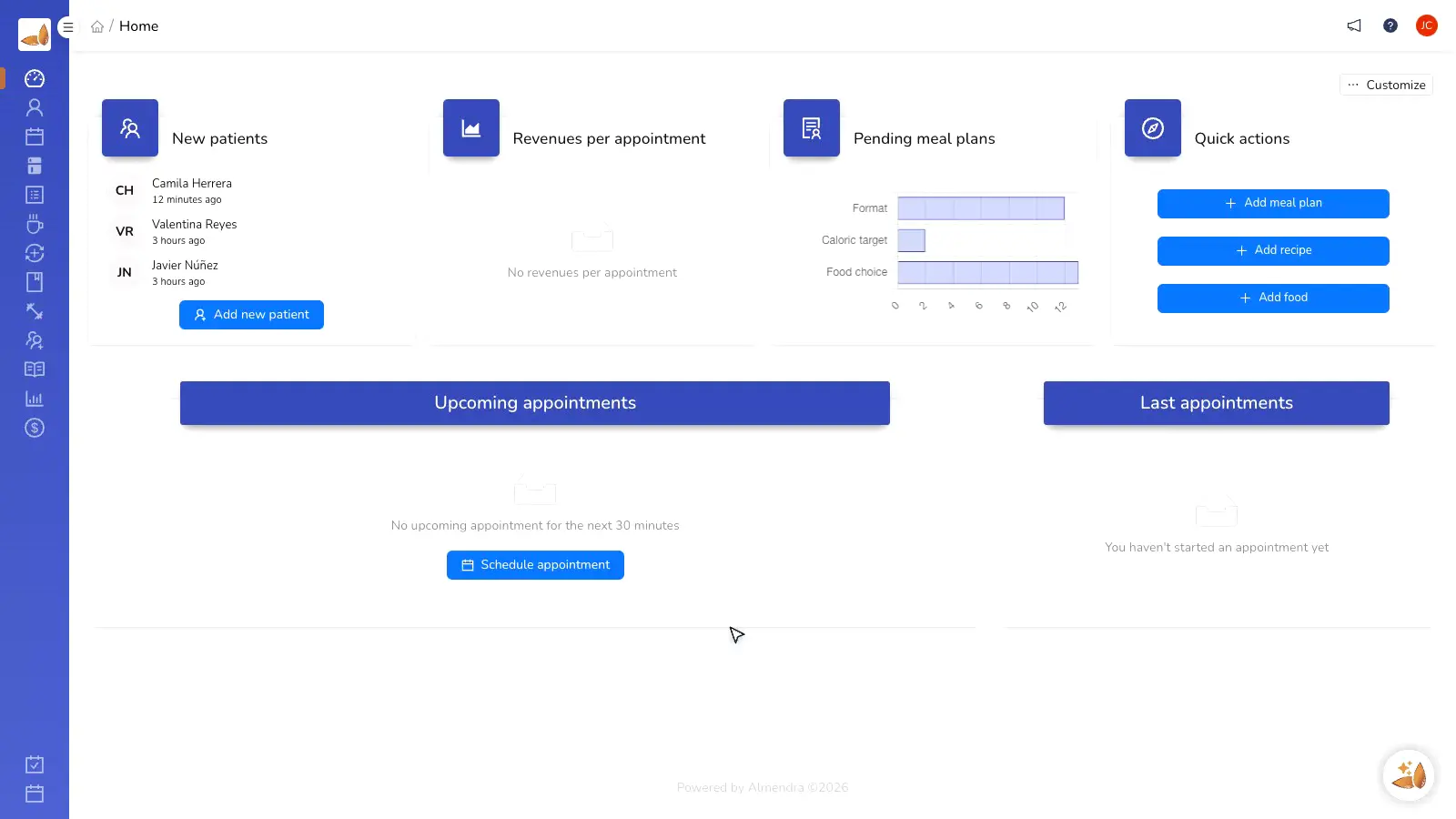
Auto-calculated macros and micros
Choose ingredients, portions, and preparation. Almendra calculates the nutrition profile for every recipe.
Share public recipes with other pros
Publish recipes inside Almendra so others can use them while keeping attribution to you.
They reach patients with photos and steps
Your clients see the recipe in the app with instructions, portions, and grouped shopping lists.
For professionals who create content and plans
Your recipes stop living in scattered documents.
Create, calculate, reuse, and share recipes from Almendra.
Create recipe
Load it once. Macros calculate themselves.
Paste ingredients, adjust portions, and watch macros update live. Every recipe is ready to reuse.
- Ingredients from the food database
- Editable portions
- Automatic macros and micros
Meal plan
Drop recipes into any plan.
Add recipes to the right day or meal without rewriting instructions. The plan keeps its nutrition balance.
- Reuse in future plans
- Respect portions and swaps
- Save copy-paste on every delivery
Patient app
Clients see photos, steps, and the grocery list.
Clients open the recipe from the app, follow the steps, and review the shopping list grouped by category.
- Photos and step-by-step instructions
- Grouped grocery list
- Recipes inside the mobile experience
Recipe library for nutrition pros
Recipes in Google Docs vs. Almendra recipe library
“Almendra helps me a lot to optimize time and to achieve better results. For example, I can organize my recipes and have all of my patients' information in one place.”
Vanessa Tello
Bachelor in Nutrition and Dietetics
FAQ