Online payments
Get paid for every session — without chasing transfers.
Connect Stripe, Mercado Pago, or PayPal in two clicks. Your clients pay by card, debit, or cash voucher from the link you send, and the income lands in your dashboard instantly.
Stripe · Mercado Pago · PayPal · Visa · Mastercard · Amex
12,000+ nutritionists collect with Almendra, Stripe, Mercado Pago, PayPal, and cards.
Mercado Pago in 2 clicks
Connect your existing account and collect with local methods your LATAM clients already use.
Stripe for card payments
Connect Stripe and accept major credit and debit cards directly in online booking.
Payments tied to your calendar
Every session or package can carry a payment and flip to paid automatically.
Before and after
From chasing payments to seeing confirmed collections.
12,000+ nutritionists collect with Almendra, Stripe, Mercado Pago, PayPal, and cards.
Quick connection
Connect once. Collect forever.
Go to Settings → Integrations, authorize Stripe, Mercado Pago, or PayPal, and Almendra gets the payment link ready for sessions.
- Stripe Connect authorized
- Mercado Pago or PayPal connected
- No third-party accounts created
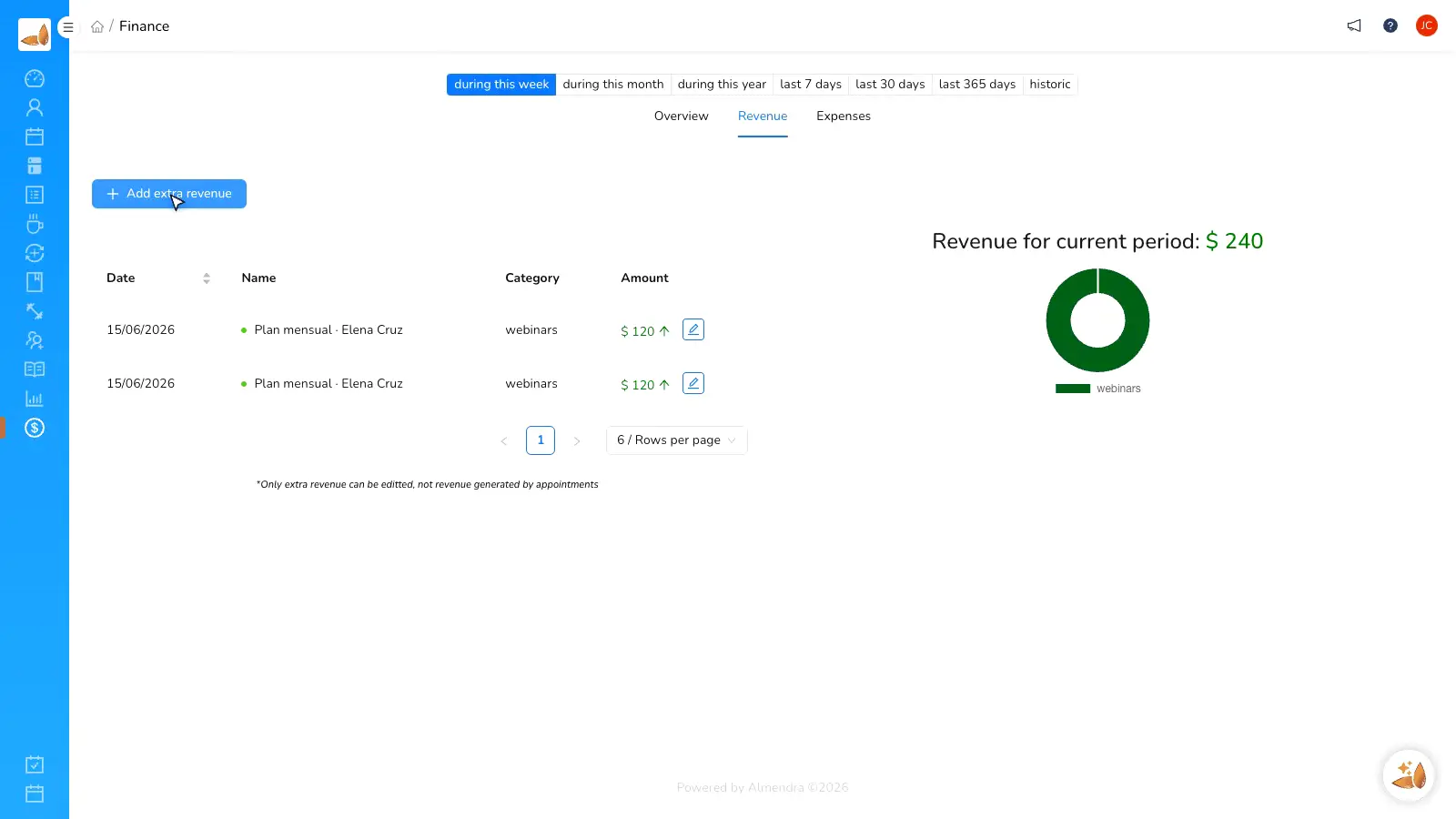
Paid session
Every session carries its payment
Tie payments to your calendar and stop reviewing receipts before each appointment.
- Payment link in 1 click
- Paid status right away
- Automatic report
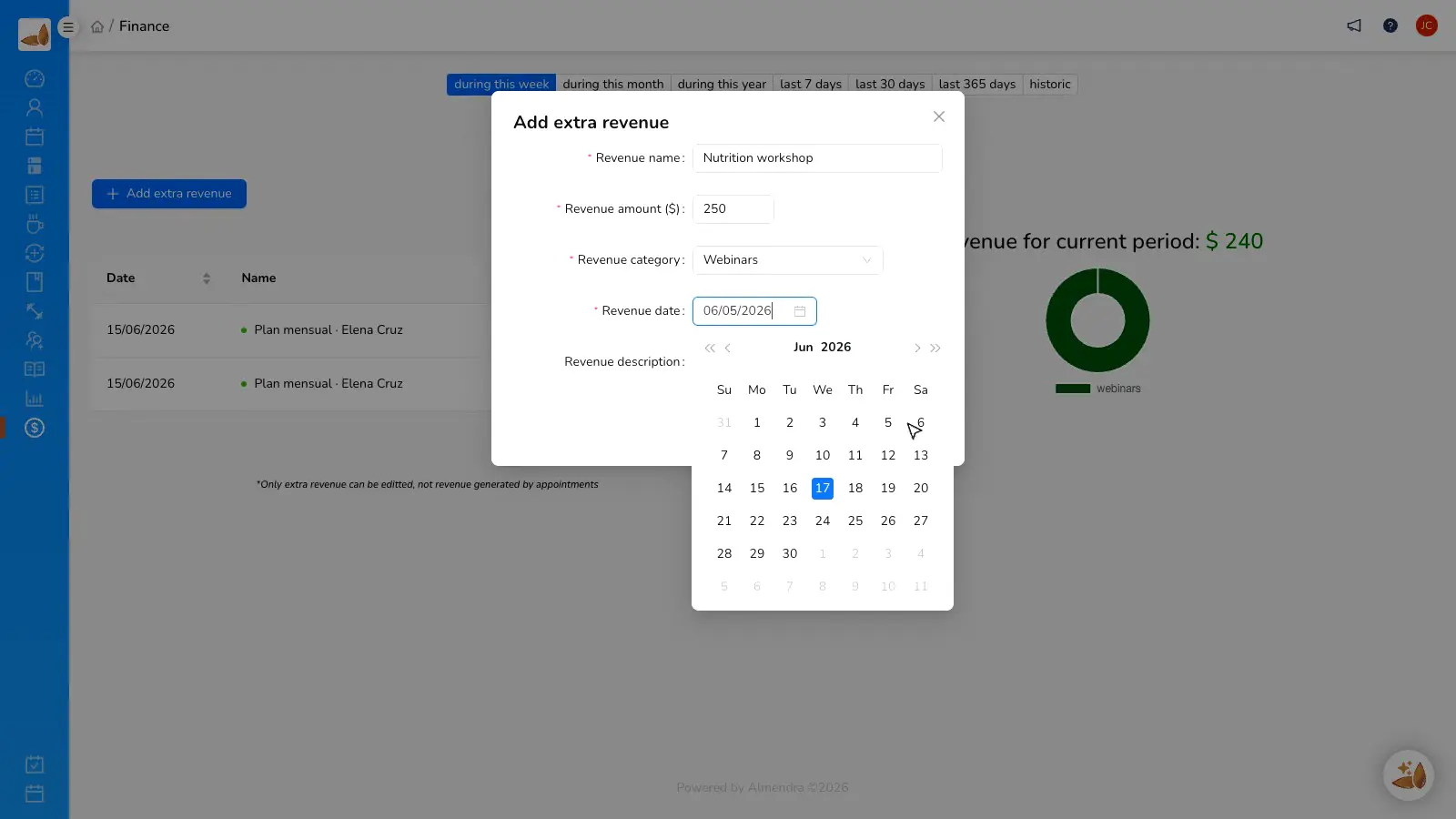
Packages and installments
Packages with installments that collect themselves
Sell full programs, installments, and sessions without keeping a parallel spreadsheet.
- Scheduled installments
- Stripe
- Mercado Pago
- PayPal
Before and after
From chasing payments to seeing confirmed collections.
“Now I can organize my payments, see which session is paid, and stop chasing transfers over WhatsApp.”
Mariana Saco
Private-practice nutritionist
FAQ
Frequently asked questions
Do I need a Stripe, Mercado Pago, or PayPal account?
Does Almendra charge an extra fee per payment?
Can I charge clients in other countries?
Does it integrate with my agenda and session packages?
What payment methods do clients see?
Features for personal trainers
Combine training routines and nutrition in one platform, and charge for your services online.
Workout routines
Design routines and diets in the same platform.
See featureAI meal plans
Build a complete meal plan in 60 seconds.
See featureAutomatic grocery list
Every plan generates a ready-to-send shopping list.
See featureClient app
A free app so clients actually follow the plan.
See featureSession packages
Sell session bundles and let Almendra keep count.
See featureOnline payments
Charge sessions and packages by card, PayPal, or Mercado Pago.
See featureStart collecting today
Connect Stripe, Mercado Pago, or PayPal and let every session arrive with its payment status.