Reusable indications
Write the indication once. Use it with every client.
Hydration, supplementation, habits, weekly prep — all those notes you copy-paste into every plan now live in a single library. Drop them into a plan and done, with your formatting and your voice.
Rich-text editor. Images, lists, links. No credit card.
1,500+ nutritionists use reusable indications in Almendra every week.
Rich editor, no style loss
Bold, lists, links, images, quotes. Write like in Word — with your formatting, no compromises.
Categorized library
Hydration, habits, supplementation, meal-prep... Tag and filter to find the right indication in one click.
Drop into any plan or report
Drag the indication into a plan or appointment report. Lands inline, editable, with your branding.
How it works
Your guidance is ready to repeat without copy-paste.
Write once, organize by tags, and insert it where your client will read it.
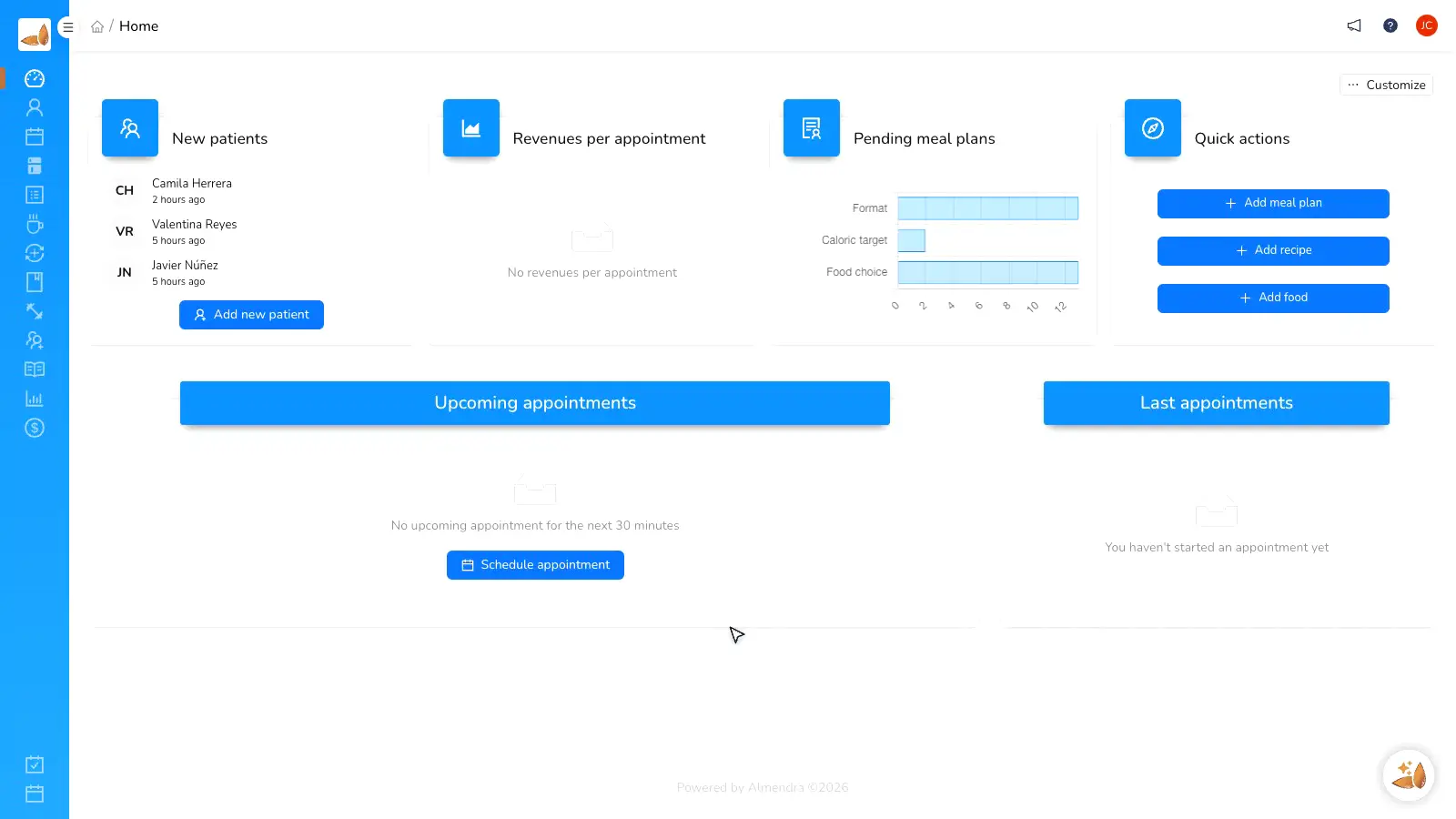
01
Write once with the rich editor
Almendra's editor supports what you need: bold, nested lists, links, images, quotes. What you write once stays perfect forever.
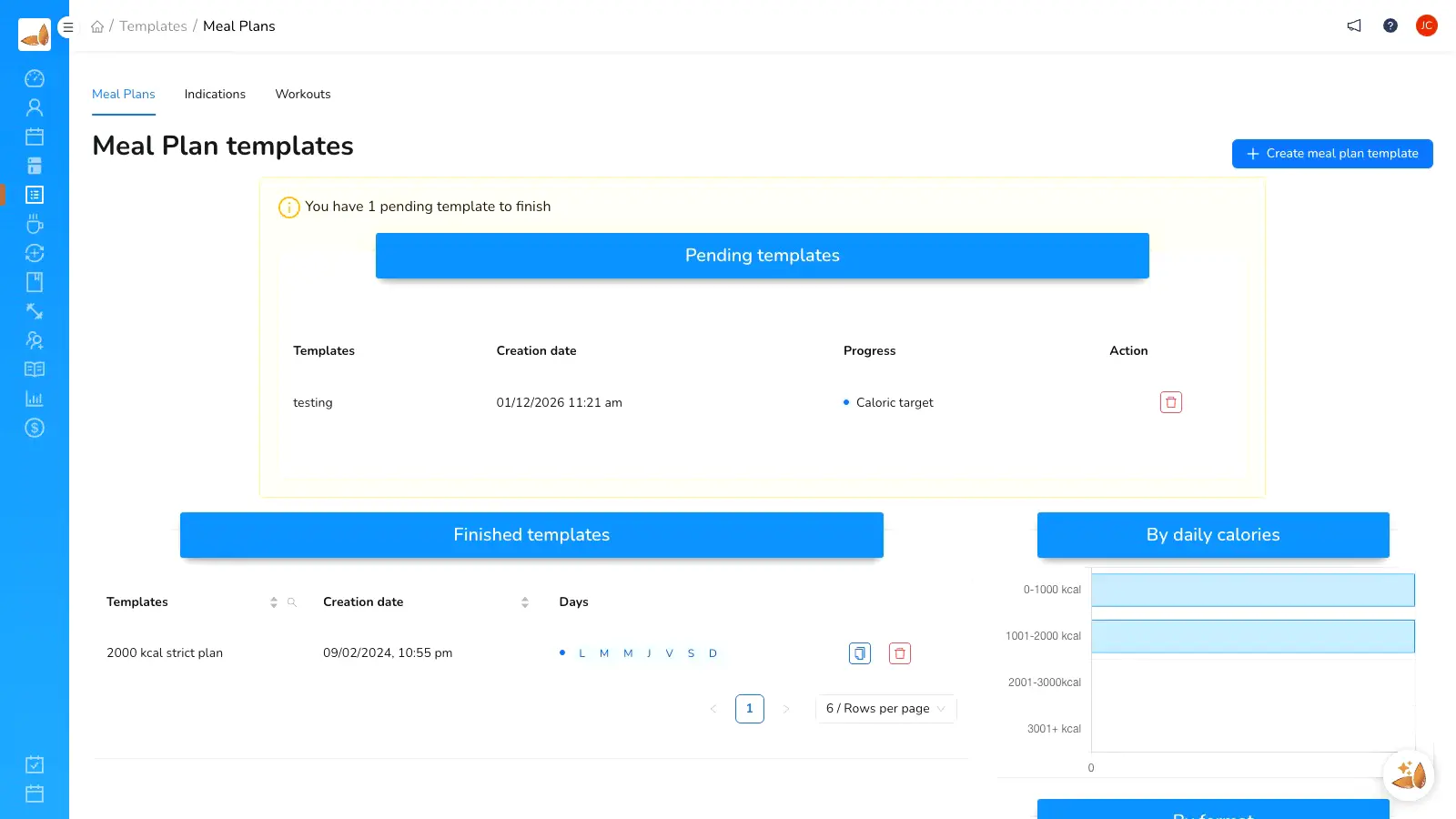
02
Your indications library
Filter by tag, category, or name. Each card shows a preview of the indication. Edit, duplicate, archive.
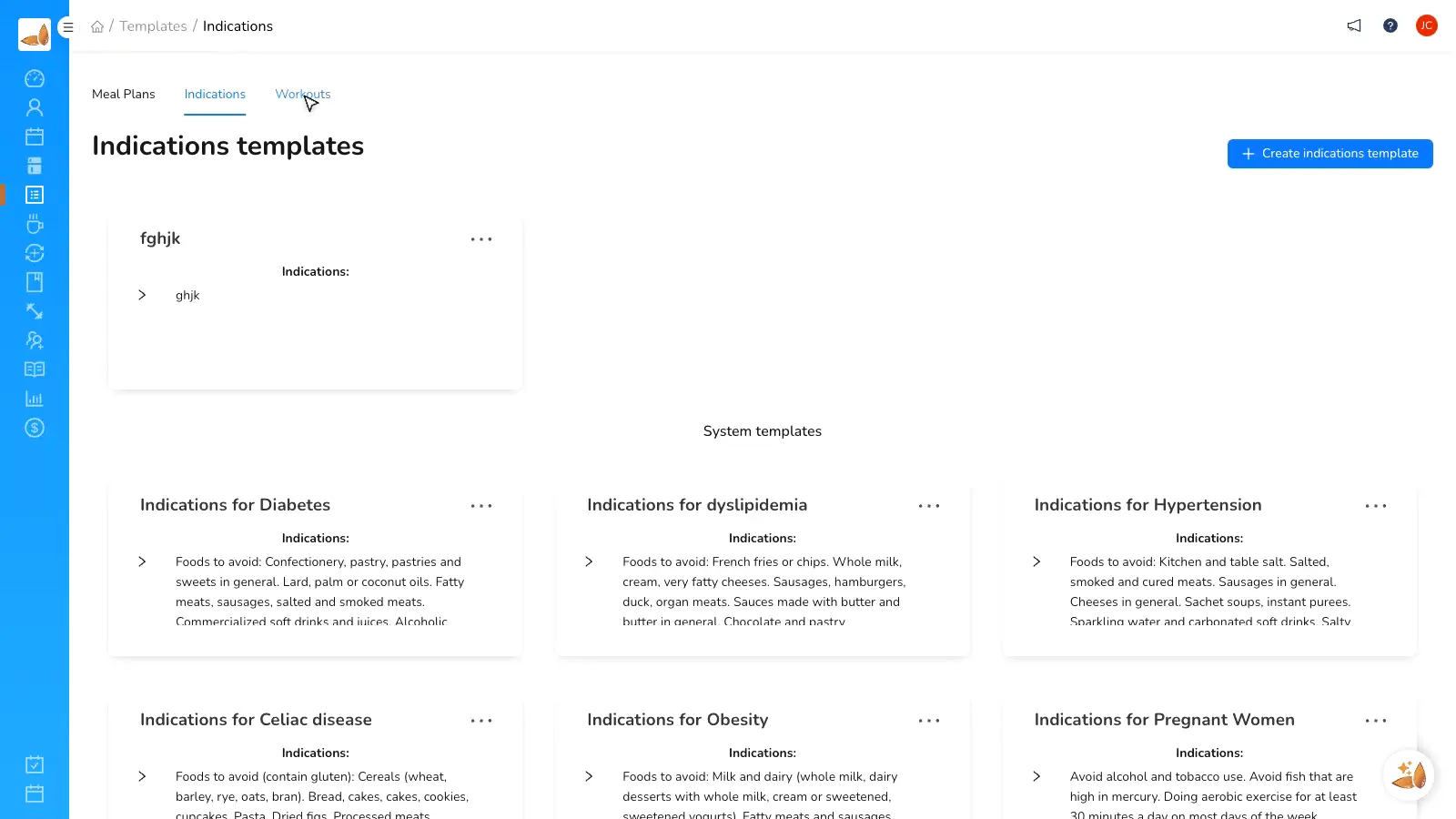
03
Insert into plans and reports
From a plan or appointment report, open the library, choose the indication, and it inserts inline. It remains editable after insertion.
Before and after
Before vs. with Almendra
“I had the same hydration indication pasted across ~200 plans. When I needed to update it after new evidence... I had to edit 200 files. With Almendra I update the indication once and it applies from there.”
María José L.
Clinical dietitian, Santiago
FAQ
Frequently asked questions
How do I save an indication as a reusable template?
What formatting does the editor support?
Will my client see the indications in the mobile app?
Can I share indications with my team?
If I edit an indication, do already-sent plans update?
Features for nutritionists
Everything you need to build plans, track progress, and see more clients without working more hours.
AI meal plans
Build a complete meal plan in 60 seconds.
See featureMeal plan templates
Turn your best plans into reusable templates.
See featureExchange meal plans
Exchange and equivalence plans, in minutes.
See featureReusable indications
Write guidance once, reuse it with every client.
See featureClient app
A free app so clients actually follow the plan.
See featureAdherence tracking
See who follows the plan and who doesn’t, in real time.
See featureYour best indication, ready forever.
Start free. Create your first reusable indication today.