Stripe integration
Let clients pay by card the moment they book.
Connect your Stripe account once and add a secure card checkout to your Almendra online booking. Every successful payment is recorded with the session automatically.
Stripe Connect · Visa · Mastercard · Amex · Secure checkout
A direct Stripe Connect integration built into the calendar your practice already uses.
Direct to your Stripe account
Payments are created on your connected Stripe account, with Stripe's standard processing and payout flow.
Card checkout in booking
Clients enter their card without leaving the appointment flow or sending you a payment receipt.
Payment status included
The payment, client, service, and appointment remain linked in Almendra for a clearer follow-up.
Before and after
Replace payment chasing with a connected checkout.
A direct Stripe Connect integration built into the calendar your practice already uses.
Stripe Connect
Authorize Stripe from Integrations
Open Settings → Integrations, choose Stripe, and approve the connection on Stripe's secure authorization screen.
- OAuth authorization
- No card data stored by Almendra
- Disconnect whenever you need
Client checkout
A card form inside online booking
When payment is required, your client chooses Stripe, enters a supported card, and confirms the appointment in one flow.
- Credit and debit cards
- Stripe.js secure fields
- Immediate confirmation
Practice records
Know which appointment was paid
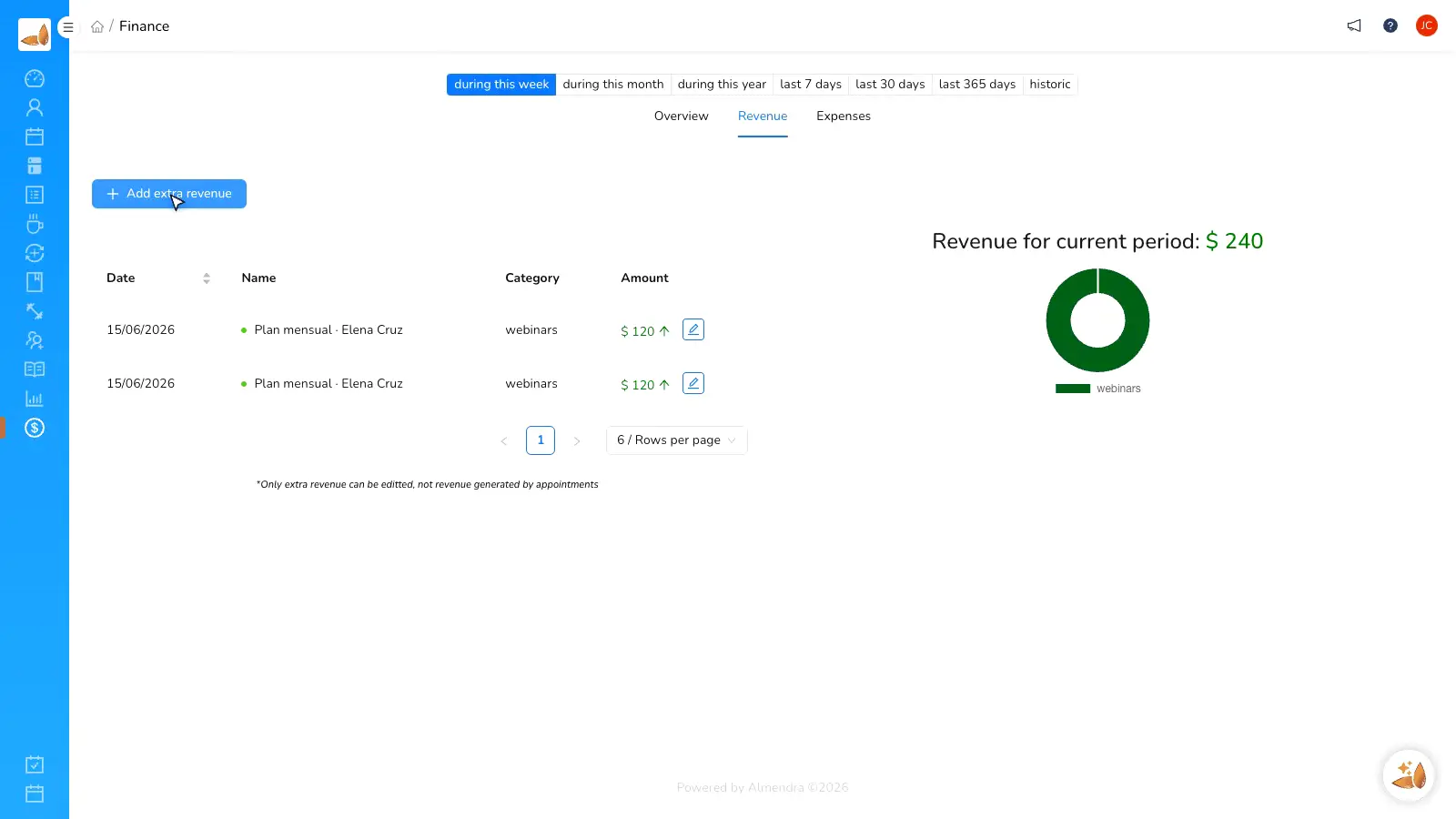
Successful charges create an Almendra payment record with the processor, amount, currency, client, and service.
- Structured payment history
- Appointment association
- Clear provider status
Before and after
Replace payment chasing with a connected checkout.
“My clients can book and pay in the same place, and I know exactly which session each payment belongs to.”
Almendra professional
Private practice
FAQ
Stripe integration questions
Do I need an existing Stripe account?
Does Almendra store card details?
Where does the money go?
Can I keep Mercado Pago or PayPal connected?
Can I disconnect Stripe?
Connect Stripe to your online booking
Create your Almendra account, authorize Stripe, and collect card payments with every booked session.