TEAMS PLAN
One platform for your entire nutrition team.
Invite your nutritionists, dietitians and trainers. Assign clients, share meal plans and recipes, control roles and permissions, and track team performance from one panel. Unlimited members, first 80 active clients included.
YOUR CLINIC IN ONE ALMENDRA
Clinics, gyms and nutrition teams use Almendra TEAMS to stop sharing logins and work with clear roles.
Invite your whole team
Add nutritionists, dietitians, trainers and reception without loose licenses or shared passwords.
Roles and permissions per person
Define who sees clients, who edits plans, who reviews billing and who manages the organization.
Reports by member
See clients, appointments, plans and performance by professional so you can run the clinic with data.
TEAMS PLAN
YOUR CLINIC IN ONE ALMENDRA
Clinics, gyms and nutrition teams use Almendra TEAMS to stop sharing logins and work with clear roles.
INVITE AND ASSIGN
Your team joins in minutes
The organization panel lets you invite members, review activity and assign clients without losing operational control.
- Email invitations from Settings.
- Clients assigned to each professional.
- Team visibility without mixed accounts.
SHARE WHAT SHOULD BE SHARED
Plans, recipes and calendar across members
Almendra TEAMS organizes clinic work: each client has an owner, but the team can collaborate where it should.
- Plans and recipes reusable by the team.
- Calendar and clients visible according to permissions.
- Less internal coordination over WhatsApp.
PER-PROFESSIONAL PERFORMANCE
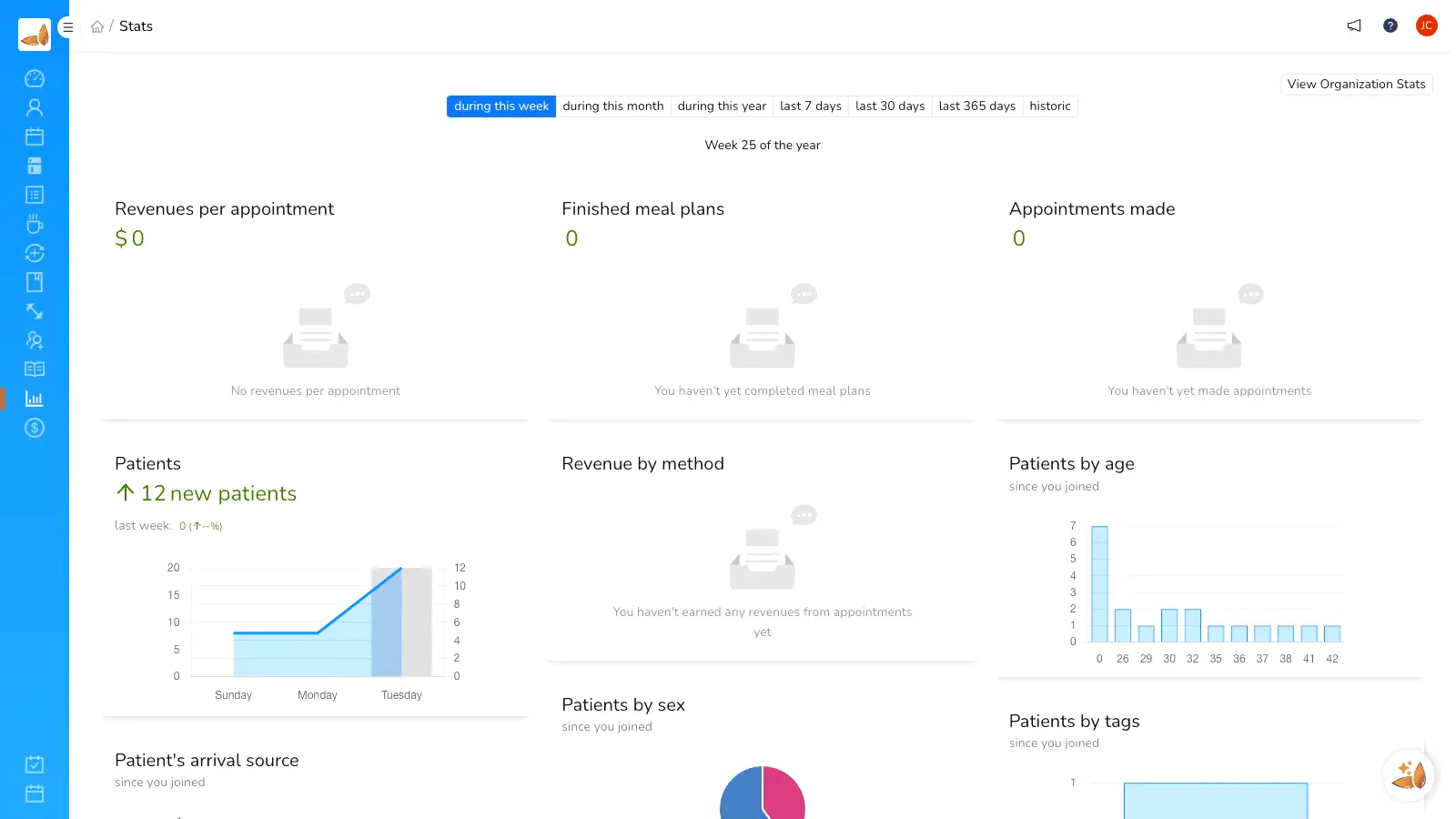
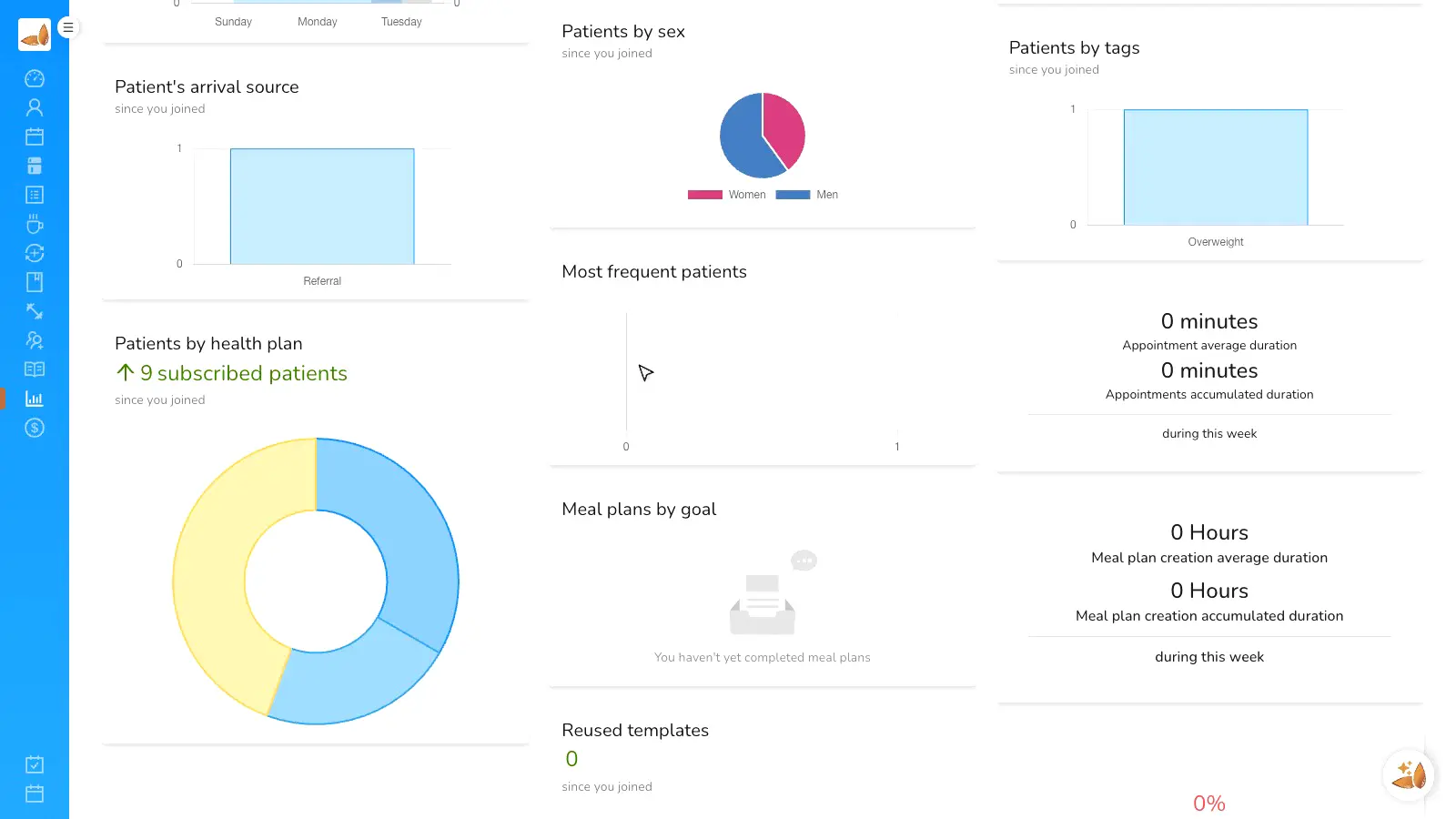
See what happens in every practice
Clinic leadership can review activity and results by member without asking for manual reports every week.
- Appointments, active clients and delivered plans.
- Aggregated read for operations.
- Ready foundation for financial reports.
YOUR CLINIC IN ONE ALMENDRA
Before: one shared login / With Almendra TEAMS
“We stopped sharing one user across five professionals. Now each nutritionist has their role, clients and reports.”
Andres Vega
Clinic director in LATAM
FAQ
Frequently asked questions
How many members can I invite?
How do roles and permissions work?
Is there a per-client cost?
Can I see reports per professional?
How do I migrate to an organization if I already use Almendra solo?
Who is Almendra for?
This feature is a particularly good fit for these professionals.
Invite your team and stop sharing logins.
Create your account, configure the organization and start assigning clients with clear roles.