How do I change the image on my homepage/sidebar?
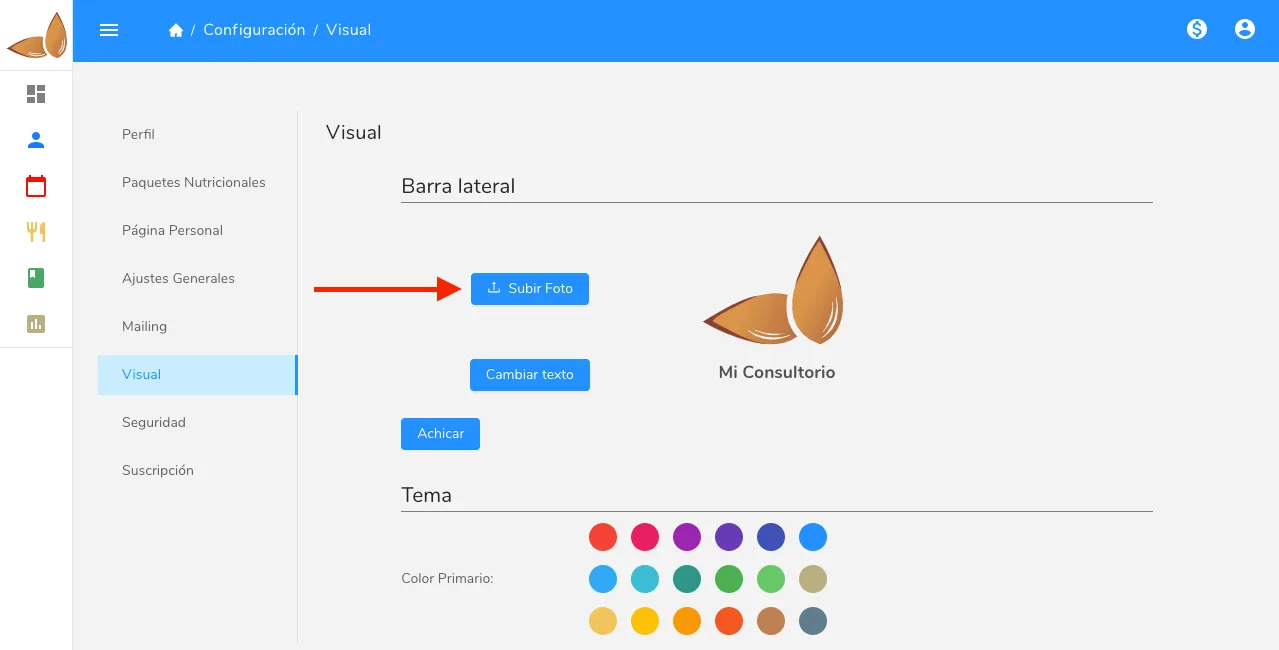
Change the image on your Almendra home page or sidebar from the settings page, in the Visual section, using the upload photo button.
To change the dashboard image, go to the settings page and click on the “Visual” section. Within that section, click on the “upload photo” button to change your dashboard image.